Give your digital photos a classic look with Rollip
Do you have a digital photo and are looking to give it a “classic Polaroid” truth? Rollip will give you 40 different filter effects while retaining the original sizes of your photos.
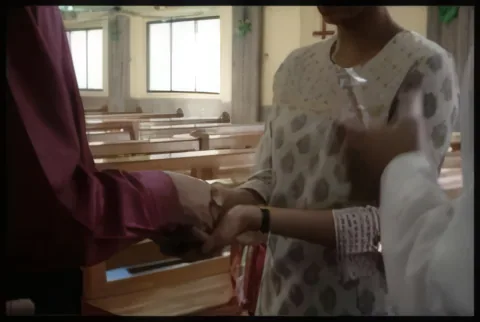
Here’s the original photo I processed a few effects on.
Using Rollip is very easy.
- Click the big orange button on the homepage
- Select the filter
- Upload your image
Have you used Rollip before? Which are your favorite filter?