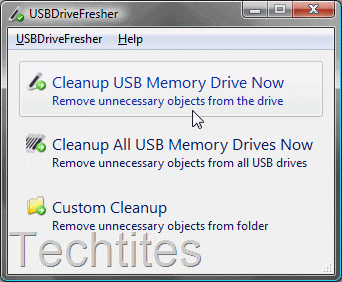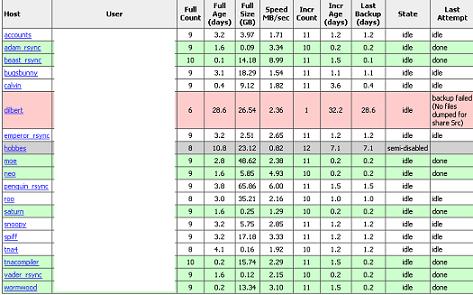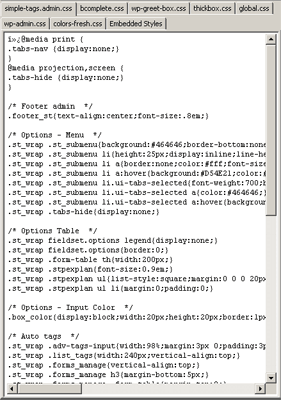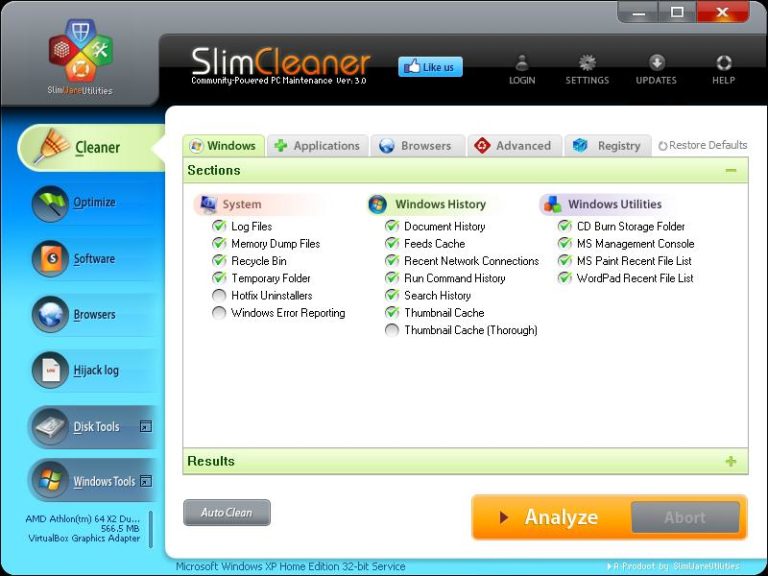
A secret to keeping your computer smoothly is to perform regular maintenance on your computer. Last week we covered ten tools to defragment your hard disk. Besides defragmenting, you should regularly clean all temporary files. Cleaning all these files manually can be quite a pain. So, here are some tools that can assist you to [...]

Continue reading about Five Tools to keep your PC running smooth (Tool Tuesday)


Ajay on September 13th, 2008

In 12 Free SEO tools to check complete site stats and not just page rank or SERP ranks, Mani Karthik takes a look at 12 tools that you can use to check your site stats, gauge their popularity and more. Many of these can analyse backlinks, links from other sites, search enginer rankings etc.

Continue reading about 12 Free SEO Tools

7 Super Tools For Faster Windows File Copy / Move Process takes a look at five freeware and two shareware programs that will help speed up the copying / moving files. Extremely useful when you are moving tonnes of large files.

Continue reading about 7 Super Tools For Faster Windows File Copy / Move Process

Ajay on April 10th, 2007

If you’re familiar with free templates, or have been working in the printing industry you would have come across this text often:
Lorem ipsum dolor sit amet, consectetur adipisicing elit, sed do eiusmod tempor incididunt ut labore et dolore magna aliqua. Ut enim ad minim veniam, quis nostrud exercitation ullamco laboris nisi ut aliquip ex ea [...]

Continue reading about Tool Tuesday: Lorem Ipsum Generator

Ajay on March 6th, 2007

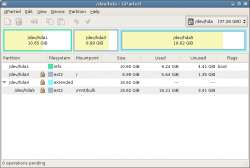
Two months back I introduced you to USBDeview, which you can use to list and manage all your USB drives.
This week we take a look at a similar but more powerful tool, Drive Manager.
Drive Manager will help you manage your hard drive, mapped network drives, thumb drives (USB memory sticks), smart media and compact flash [...]

Continue reading about Tool Tuesday: Drive Manager

Ajay on February 20th, 2007

As you continue to use your PC, the files get defragmented. The more the defragmentation, the longer it takes time for your operating system to fetch the files resulting in decreased performance.
Windows comes with an inbuilt defragmenter which you should run regularly to keep defragmentation levels low. However, the higher the defragmentation the longer it [...]

Continue reading about Tool Tuesday: IObit SmartDefrag

Ajay on January 4th, 2007

A simple utility that can unlock 43 Windows utilities you seldom hear about. All these programs can be accessed via RUN in the Start Menu, but it helps having the shortcuts embedded in the Start Menu, which this software achieves.
Some of the applications include:

Dr Watson diagnosis
Direct X diagnosis
Registry Editor
Telnet Client
Windows Services
Device Manager
Computer [...]

Continue reading about Tip Thursday: 43 Hidden Applications Unlocked

Ajay on December 26th, 2006

Over the period of time as you use your PC, you will connect several USB devices to it. These can vary from simple memory sticks and flash drives to music players, mobile phones, cameras and other devices.
All these devices on their install leave a print on your operating system. What do you do when you [...]

Continue reading about Tool Tuesday: USBDeview

Ajay on December 5th, 2006

If you have just started a new website, it can get really difficult to bring in some visitors. I usually promote my new site via my other sites. While this is good, it means I am limiting my horizons to only visitors to my current site and that too only a percentage of these may [...]

Continue reading about Tool Tuesday: StumbleUpon