Correcting mistakes on printed documents can become a tedious task if you do not have its digital copy. First you will need to make a digital copy by typing up the entire document in a text editor, and then editing it according to your needs. Thankfully however OCR technology allows us to recognize text from digital images and auto-create text files from them.
One website that conveniently lets you use OCR technology is “Online OCR.”
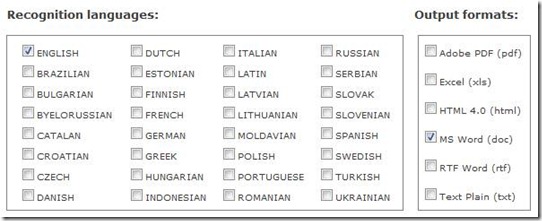
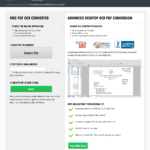
Online OCR is a free to use website that lets you upload a digital image of any document; text in the uploaded image is then recognized and converted to a text file in the format you choose; you can choose the output to be PDF, XLS, HTML, DOC, RTF, or TXT format.
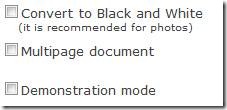
There are optional checkboxes that can be useful according to the type of image you are uploading.
If you want to upload more than one image, you can do so by compressing them in a singular ZIP archive. The maximum file size of the image(s) you upload cannot exceed 30 MB.
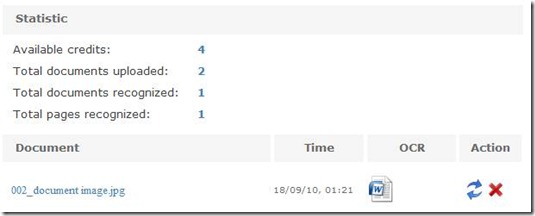
Once your image is uploaded, you can have it analyzed and converted to the text document; the text document can then be easily downloaded. If you are using Online OCR’s free package, you can make only 5 image-to-text conversions per account. The paid version offers more conversions.
Normally OCR applications do not do a good enough job of keeping the text’s format intact. However with Online OCR you will find that the text’s format – indentation, font type, lining, etc. – will be exactly as in the image.
We use cookies to ensure that we give you the best experience on our website. If you continue to use this site we will assume that you are happy with it.OkPrivacy policy