Facebook is highly popular social network. Like many other Facebook users, I also upload my pictures on the network for my friends and family to see. One problem I have personally faced while view others’ Facebook pictures is that sometimes a photo does not properly load up when I click it. Moreover I have to open pictures in a new tab if I do not want to navigate away from an album.
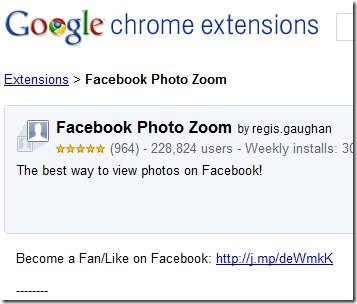
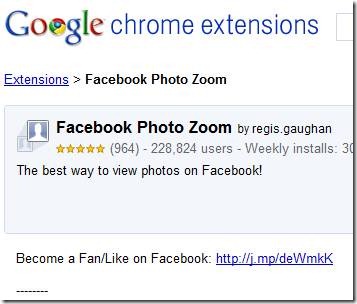
Tired of these issues, I decided to find something that would help me view Facebook photos in a better way. Thankfully I have now found this tool – Facebook Photo Zoom.
Facebook Photo Zoom is a browser extension for Google Chrome. After you install, no icons are added to Chrome’s address bar, and no clutter is formed. What is added to Chrome is a simple but highly useful functionality: with the extension installed, each time you hover your mouse pointer over to a photograph thumbnail, the photograph’s full size is instantly shown in a gloating window. The caption of the photograph is shown in the bottom left of the floating window.
This photo zoom features works for photo thumbnails in Facebook albums as well as Facebook profile picture thumbnails.
Needless to say, Facebook Photo Zoom has saved me many mouse clicks and the inconveniences I faced while viewing Facebook photos. I am positive the extension will have the same advantageous effect for you.
We use cookies to ensure that we give you the best experience on our website. If you continue to use this site we will assume that you are happy with it.OkPrivacy policy